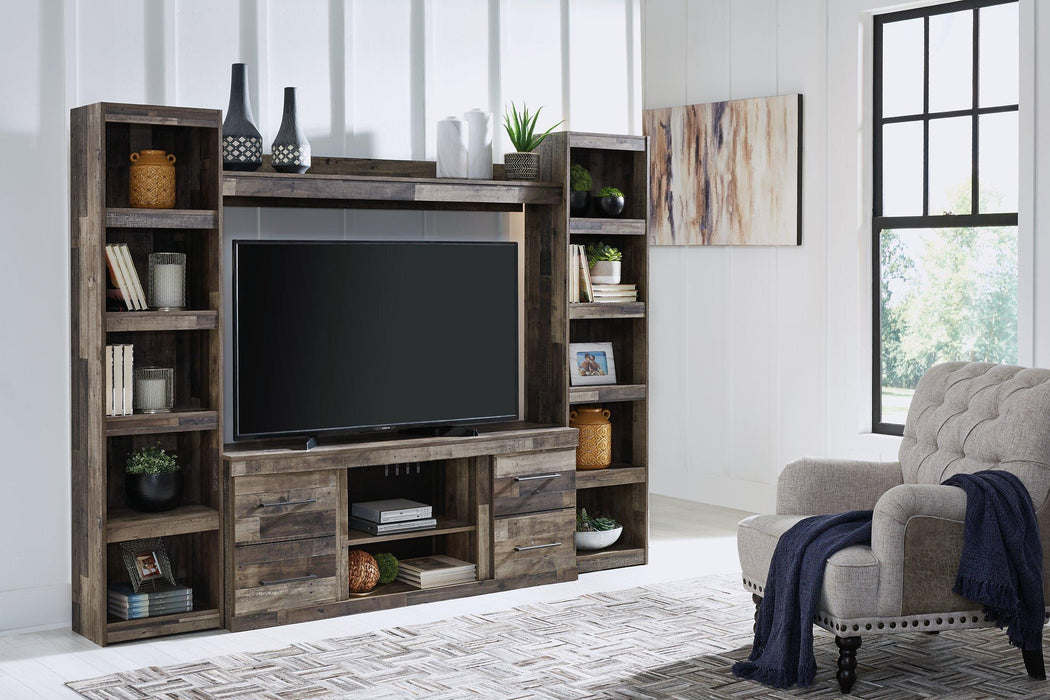
Tired of dealing with tangled cables and cluttered electronics? Our guide on how to organize cables and electronics in an entertainment center provides you with actionable steps. Discover how to assess your setup, optimize your layout, and implement smart cable management techniques.
Key Takeaways
-
Start by assessing and inventorying your electronics to determine cable types and storage needs for effective organization.
-
Optimize your entertainment center layout by strategically positioning devices and creating dedicated zones for different electronics.
-
Implement smart cable management solutions like labeling, using cable sleeves, and opting for wireless accessories to reduce clutter and enhance aesthetics.
Assess Your Current Setup
Start by assessing your current setup. Understanding what you have, what you need, and how best to manage your space is crucial. Take stock of your devices, accessories, and the various cables connecting everything.
Evaluating your setup ensures you account for all devices and necessary cable management, paving the way for an efficient organization process. Consider wall-mounting your entertainment center to free up floor space and simplify the arrangement.
Inventory Your Electronics
List every electronic component in your entertainment center, including devices, accessories, stuff, and manuals. Account for everything from TVs and gaming consoles to laptops, chargers, remote controls, and cables.
A comprehensive inventory helps you grasp the full scope of what needs organizing. It makes it easier to identify which items should be stored together and which can be tucked away, reducing cord clutter and streamlining your setup.
Identify Cable Types
Identify the various types of cables you have, such as:
-
Power cables
-
HDMI cables
-
Audio cables
-
Component cables
-
Composite cables
-
Example cables
Knowing your cables allows you to plan effective management strategies and ensures device compatibility.
This step is crucial for effective organization since different cables may require distinct management strategies. For instance, keep power cables separate from data cables to avoid interference, and ensure HDMI cables are easily accessible for frequent use.
Determine Storage Requirements
Evaluate your storage needs based on your inventory. Custom modular units with adjustable shelves can maximize storage space and accommodate various electronic components to meet different needs.
Storage hacks, such as dedicated slots for game discs or cable boxes, help keep everything neat and accessible. Tips aim to make the most of every inch of your entertainment center.
Optimize Your Entertainment Center Layout

Once your assessment is complete, optimize your entertainment center layout. A well-thought-out layout enhances functionality and aesthetics. Strategically position major components, utilize wall space, and create dedicated zones.
Enhance overall functionality by evaluating device accessibility and ensuring compatibility. Repurpose old furniture like dressers and cabinets to create personalized media storage options tailored to your needs.
Positioning Major Components
Strategically position your devices to:
-
Prevent cable clutter and facilitate easier maintenance access.
-
Place electronic components at eye level to enhance viewing comfort and reduce neck strain.
-
Avoid stacking multiple devices to achieve prevention of crowded cables and heat accumulation, simplifying cleaning.
Proper equipment positioning is crucial for dust management, making it easier to clean when devices have their own space. Ensure adequate airflow among devices to prevent overheating and potential interference with cooling fans.
Utilize Wall Space
Mounting devices on walls saves floor space and streamlines cable management. This creates a sleeker look and maintains a clean, organized space. Cord covers, painted to match wall colors, blend seamlessly with your decor.
Wall-mounting equipment provides extra security and helps securely mount equipment. This method allows for flexible room arrangements and better space utilization.
Create Dedicated Zones
Specific zones for different electronics improve organization and accommodate various activities. Designate:
-
One area for gaming consoles
-
Another for media players
-
A separate zone for charging devices This keeps everything in its place, making it easier to find what you need.
Modular storage units can be rearranged or expanded as needed, allowing for adaptable organization. These strategies promote an organized and efficient entertainment center tailored to your preferences.
Effective Cable Management Techniques

Effective cable management prevents clutter and maintains a neat appearance in your entertainment center. Different cables may require distinct management strategies. Binder clips on the edge of a desk or table can prevent cords from falling behind furniture, while a cable tray organizes and contains messy cords.
Regularly inspect cable connections to prevent signal loss and device malfunctions. Label cables to prevent confusion and facilitate easy identification during setup or troubleshooting.
Use Cable Ties and Clips
Secure cables with ties and clips to prevent tangling and ensure a neat appearance in your entertainment center. Magnetic cable clips, available in various colors, can adapt to different decors and be mounted on many surfaces.
Reusable cable ties allow for easy adjustments and reorganization of cables, making them practical for dynamic setups. Combining various tools, such as cable ties and magnetic clips, offers a comprehensive and organized solution for cable clutter.
Install Cable Sleeves
Cable sleeves:
-
Bundle and protect cords from wear, twisting, and spills.
-
Help eliminate cord clutter by keeping multiple cables neatly bundled together.
-
Make it easier to hide cables and maintain a clean look.
Label Your Cables
Labeling cables avoids confusion when unplugging or identifying them. Proper labeling simplifies troubleshooting and enhances overall organization. Inexpensive methods include sticky labels, colored tape, and zip ties with labels.
Categorizing cables with labels simplifies unplugging and relocating devices, making life easier. This is a small but significant part of effective cable management, saving time and frustration in the long run.
Conceal and Organize Cords
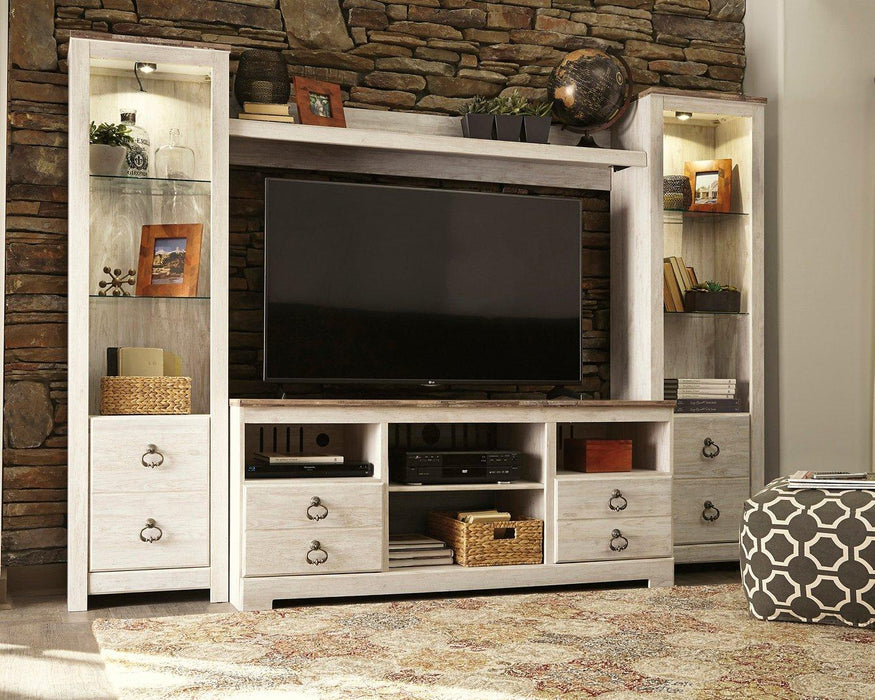
Concealing cables enhances the aesthetic appeal of a space by reducing visible clutter. Furniture with built-in cable management features aids in cord concealment. Wireless devices help create a cleaner, more organized entertainment space by reducing visible cords.
Organizing cords is about both aesthetics and safety. Keeping cables hidden and protected reduces the risk of tripping hazards and potential damage, making cord organization essential.
Use Cord Covers
Cord covers:
-
Hide exposed cables and reduce visual clutter.
-
Run along floors, eliminating tripping hazards and preventing safety issues.
-
Can be surface-mounted or hidden behind baseboards or wall molding, making them versatile for various setups.
Cord covers conceal cords and protect them from wear and tear. This simple addition enhances the overall look of your entertainment center, making it appear more organized and tidy.
Implement Cable Management Boxes
Cable management boxes store and organize power strips, chargers, and cords. Concealing cables inside the box maintains a clean and organized look. They can house various types of cables, including:
-
Power cords
-
HDMI cables
-
USB cables
-
Ethernet cables.
Selecting cables of the right length avoids visible excess and reduces clutter. Use cable clips and concealers to secure and hide cables, ensuring your entertainment center remains neat and clutter-free.
Route Cables Behind Furniture
Routing cables behind furniture maintains a clean and organized entertainment center. This enhances the aesthetic of your space and helps to rid the area of tripping hazards. Ensure cables are routed safely to avoid pinching or damage when moving items.
This approach keeps cables hidden and protected, ensuring a tidy setup.
Wireless and Bluetooth Solutions
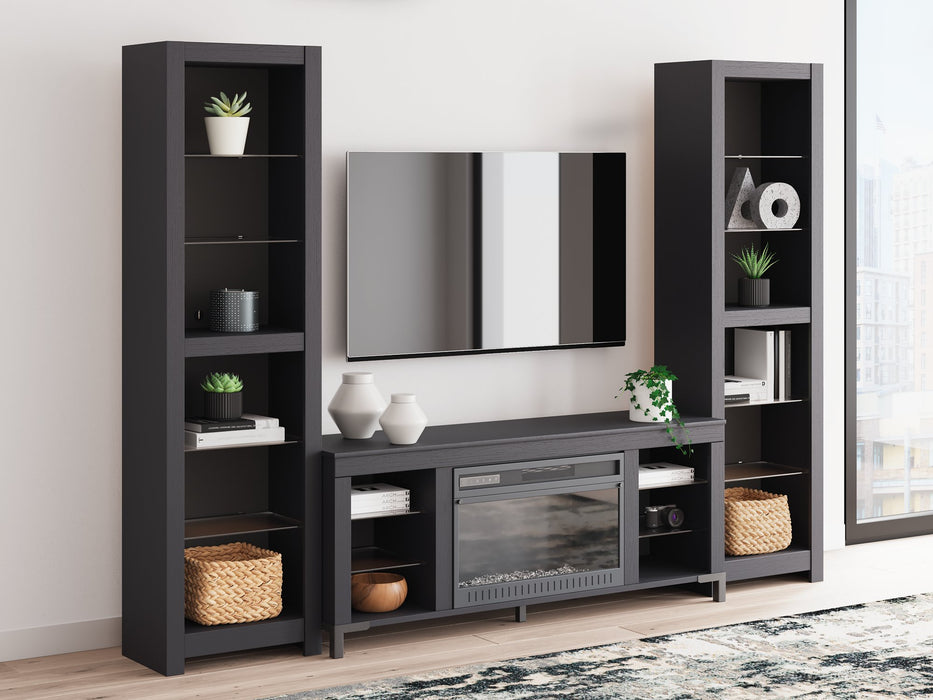
Wireless and Bluetooth solutions reduce cable clutter and enhance the overall aesthetics of your entertainment center. Wireless keyboards, mice, and headphones minimize the number of cables around your setup, making it the perfect solution for a tidy space.
Bluetooth-enabled devices connect peripherals without physical cables. This promotes a cleaner and more organized setup, making it easier to manage multiple devices and electronic components.
Choose Wireless Accessories
Wireless accessories like keyboards and mice enhance the function and aesthetics of your computer entertainment center. They offer freedom of movement, allowing users to operate devices from a distance without being tethered.
Wireless accessories enhance convenience by minimizing cord clutter around your entertainment center. They improve functionality and contribute to a cleaner, more organized space.
Bluetooth Connectivity
Bluetooth technology allows seamless connections without physical cables, promoting a cleaner and more organized setup. Bluetooth devices enable easy connectivity between peripherals and TVs without the hassle of cables.
This tech creates a cable-free environment, enhancing the overall look and feel of your TV entertainment center.
Custom Storage Solutions
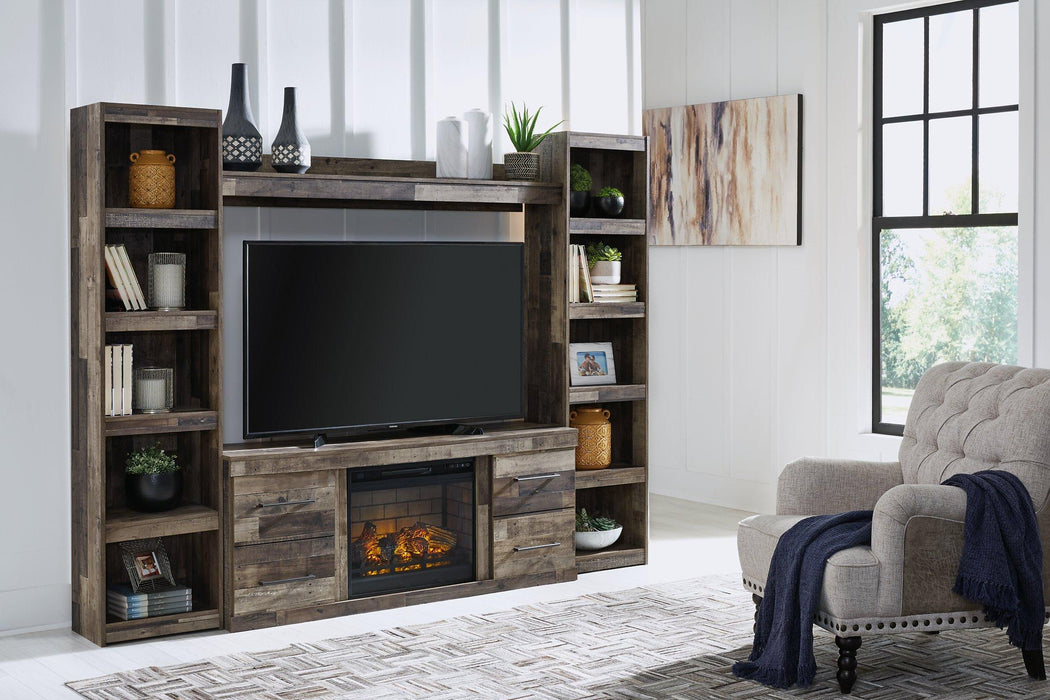
Custom storage options accommodate your specific needs and preferences, enhancing electronics organization. Vertical storage solutions maximize space, especially in small areas. Custom storage can include a mix of open and closed compartments to effectively organize electronics.
Custom storage solutions can be built using various materials and designs to fit unique spaces. They can be tailored to your creative requirements, ensuring your entertainment center is both functional and aesthetically pleasing.
Repurpose Furniture
Repurposing old furniture for media storage brings new life to your furniture while providing practical solutions. Transform items like old dressers or sideboards into media storage units to creatively organize your entertainment center. Adding shelves to repurposed furniture maximizes storage and organization of media devices.
Creating cord holes in furniture allows for efficient cable management, keeping the setup tidy and functional. Use bins, baskets, or plastic buckets for out-of-sight storage in cubby units, enhancing organization further. A hole can also help in managing cables more effectively.
Modular Units
Modular storage units can be rearranged and expanded as needs change, making them highly versatile for organizing electronic devices. Their adaptability allows you to customize the layout of your entertainment center according to your current setup and preferences.
These unit effectively hold various electronic devices, ensuring everything has its designated space. Incorporating storage bins within modular cabinet setups further categorizes and conceals smaller accessories and cables.
Regular Maintenance and Cleaning
Regular maintenance and cleaning are crucial for keeping your entertainment center and devices in top condition. Removing all items from your entertainment center to thoroughly clean the shelves is an essential first step. Ensuring adequate airflow around electronics reduces the risk of overheating and prolongs device lifespan.
Devices should be placed with sufficient space between them to allow heat dissipation and maintain optimal operating temperatures. Maintaining a clean entertainment center keeps devices safe and functional while enhancing the overall look of your setup.
Routine Dusting
Regular dusting is essential to prevent buildup, which can contaminate electronics and impede their performance. Using a microfiber cloth is recommended for effective dust removal from electronic devices. Utilizing gentle cleaning solutions, like a mix of water and vinegar, is recommended for delicate flat screens.
Using compressed air can effectively clear dust from vents and hard-to-reach areas of electronics. Routine dusting helps keep your entertainment center looking pristine and ensures that your devices operate smoothly.
Check Cable Connections
Regularly checking cable connection is crucial for maintaining a secure and functional setup. Ensure that cables are secured with ties and clips to prevent tangling and keep them neatly bundled. This practice helps avoid signal loss and device malfunctions, providing verification of a reliable setup.
Use labels to easily identify cables, making it simpler to unplug and relocate devices without confusion. Dust electronic components and shelves regularly to prevent buildup and maintain device performance.
Safety Considerations
Safety considerations are paramount when organizing an entertainment center. Maintaining adequate space between devices allows for better airflow and minimizes heat buildup. Some cable management boxes come with ventilation openings to prevent overheating of devices.
Hiding cables behind furniture not only conceals them but also protects them from potential damage. Utilizing wireless technology in your setup enhances safety by reducing the risk of tripping and electrical hazards.
Avoid Overloading Power Strips
It is advisable not to connect multiple power strips to the same outlet, as this can overload the circuit. Distributing electrical loads across multiple outlets helps to prevent overheating and potential fires.
Ensure that the total wattage of devices plugged into a power strip does not exceed its rated capacity to prevent overheating and potential hazards. This simple practice can enhance the safety and longevity of your entertainment center setup.
Proper Ventilation
Proper ventilation is essential for electronic devices to operate effectively without overheating. Avoid overloading power strips; distribute power loads evenly to maintain a safe and efficient setup.
Regularly check to ensure that vents on electronic devices are not blocked and that they have enough space for airflow. Overheating can lead to reduced performance, malfunction, or permanent damage to electronic devices.
Shop At Furniture World SW Today!
For all your entertainment center needs, visit Furniture World SW today! Our store features an impressive selection of furniture and storage solutions designed to help you create a stylish and functional setup for your home. Whether you’re looking for modern entertainment consoles, custom-built storage units, or innovative cable management tools, we have everything you need to organize your media essentials seamlessly.
At Furniture World SW, your entertainment area should be both beautiful and efficient. That’s why our collection includes designs that balance practicality with elegance—perfect for any living room layout or aesthetic. Transform your space into an organized, clutter-free zone where relaxation and entertainment come together effortlessly. Visit us today and discover how easy it is to upgrade your home entertainment setup with our expertly crafted furniture pieces.
Summary
Organizing your entertainment center can greatly enhance your viewing and gaming experience. By assessing your current setup, optimizing your layout, managing cables effectively, and incorporating wireless solutions, you can create a neat and functional space. Custom storage solutions and regular maintenance are also key to maintaining an organized entertainment center.
Remember, a well-organized entertainment center not only looks great but also ensures the longevity and performance of your devices. Take action today and transform your setup into a model of organization and efficiency. Happy organizing!
Frequently Asked Questions
How can I prevent cable clutter in my entertainment center?
To prevent cable clutter in your entertainment center, use cable ties, clips, sleeves, and management boxes to keep everything organized and hidden. Taking these steps will create a cleaner, more enjoyable space for your viewing experience!
What are some effective ways to conceal cords?
Concealing cords is easy with cord covers, routing cables behind furniture, or using cable management boxes. Take these steps to create a tidy and organized space!
How do I ensure my devices don't overheat?
To prevent your devices from overheating, ensure they have proper ventilation and adequate space around them. Organize cables with management boxes that promote airflow; it really makes a difference!
What are the benefits of using wireless accessories?
Using wireless accessories will not only declutter your space but also boost functionality and style. Embrace the freedom of a wireless setup and transform your environment!
How can regular maintenance improve my entertainment center setup?
Regular maintenance keeps your entertainment center running smoothly, preventing issues like signal loss and malfunctions. By taking the time to dust and check connections, you'll enjoy a better viewing experience and extend the life of your devices!